Legacy Open Mesh: Configuring Router LAN Settings
This section of the router configuration allows you to configure the IP addressing and physical interfaces that will be used for all untagged (Non-VLAN tagged) communications with your LAN. Configuration for handling VLAN tagged traffic is handled under the next configuration menu section titled VLANs.
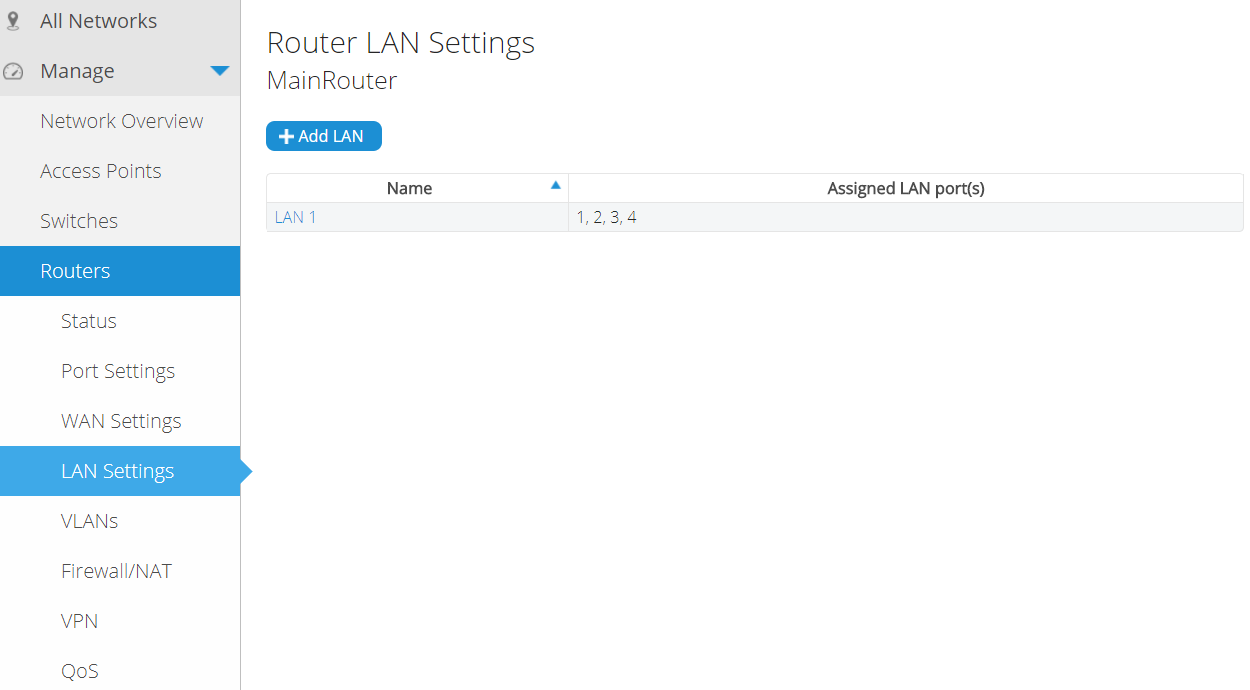
We start by Either creating a new LAN or configuring the default LAN as seen in the screenshot above. If a new LAN interface is created, then you will need to first unassign one of the physical LAN ports (Ethernet 1, Ethernet 2, etc) from the default LAN 1 interface before you can assign it to your new LAN interface.
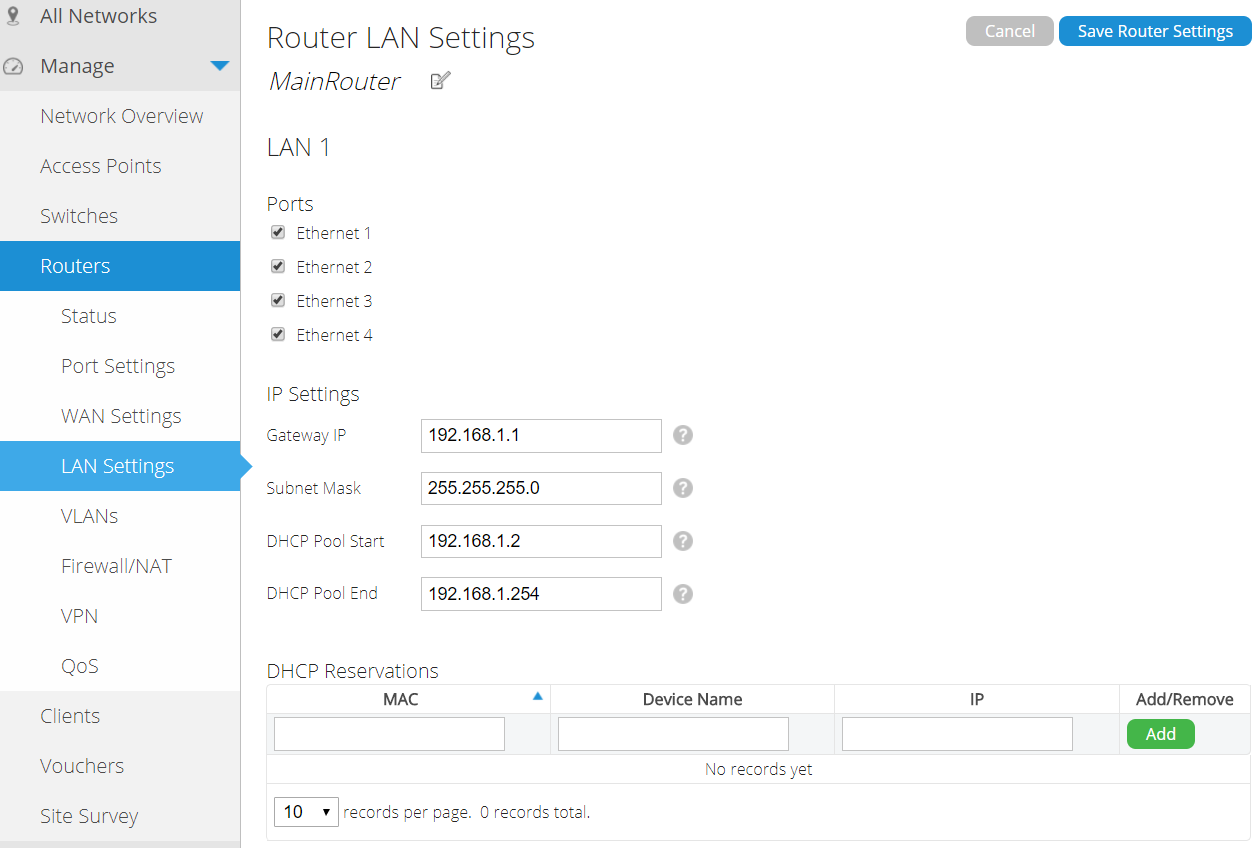
When configuring a LAN interface, keep in mind that the IP subnet assignment must be unique on the router and cannot overlap with any other interface (LAN, VLAN, VPN, etc).
DHCP reservations will allow you to reserve a specific IP address in the DHCP pool for a specific client device. This lets you ensure that a client device will always use the same IP address, even though its acquiring its IP address dynamically via DHCP.


